Migrating Openclaw from Hetzner to Home Server
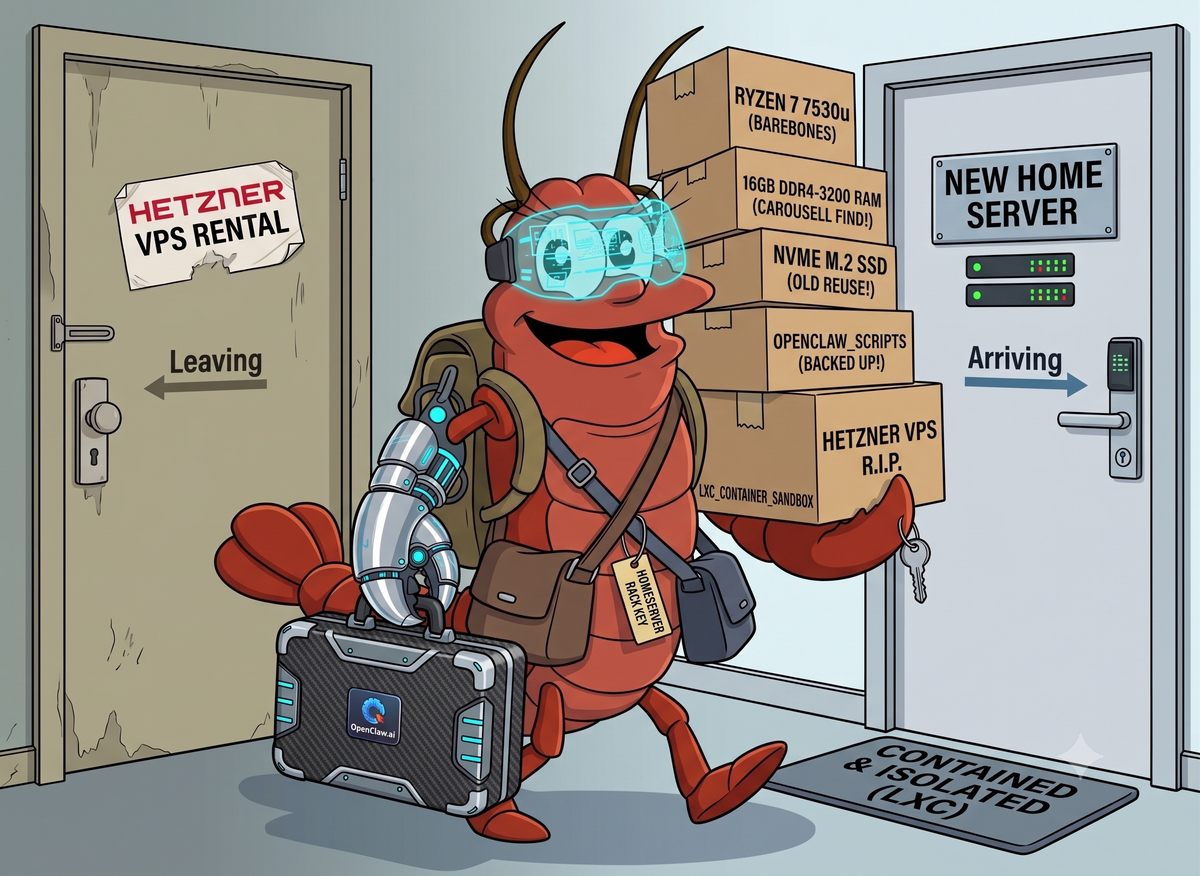
Rising Hetzner VPS prices prompted a migration to a barebones local home server. Here is how to architect a lightweight, isolated infrastructure for OpenClaw using Linux Containers (LXC), Cloudflare Tunnels, and automated Rclone backups.
Summary
- Cost migration: Rising cloud prices prompted a move to a local home server to manage long-term expenses.
- Networking workaround: Dynamic local IPs required Cloudflare Tunnels to securely replicate cloud-like SSH access.
- Containerization strategy: LXC provided the necessary OS-level isolation and near-native performance without the overhead of full VMs.
- Infrastructure resilience: An isolated home environment allows for parallel project deployments without risking system-wide failures.
Introduction
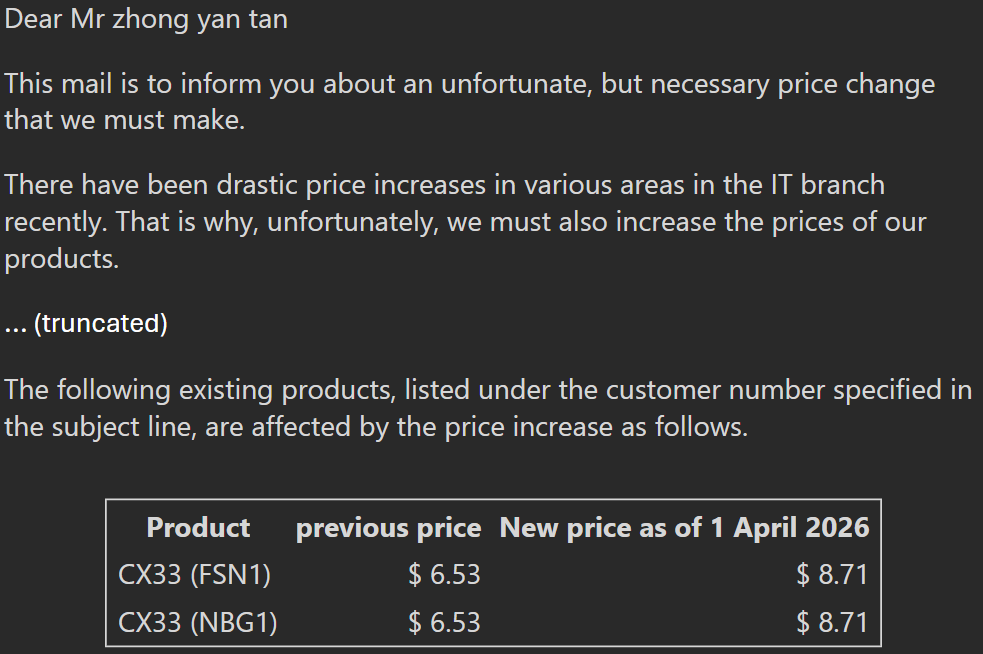
Recently, Hetzner has been creeping up their prices. My bill jumped almost 33%, going from €6.53 to €8.71. At over $14.29 SGD a month, it forced me to step back and re-evaluate my infrastructure.
Originally, I spun up OpenClaw on a new VPS instance just to isolate it and test the waters. But after experimenting with it heavily over the last few weeks, I’ve gotten much more confident in managing it. The impact it has had on my day-to-day workflow has been massive, and I see myself using this for the long haul.
It was time to bring it in-house for the long run.
Awesome Mini PC Deal
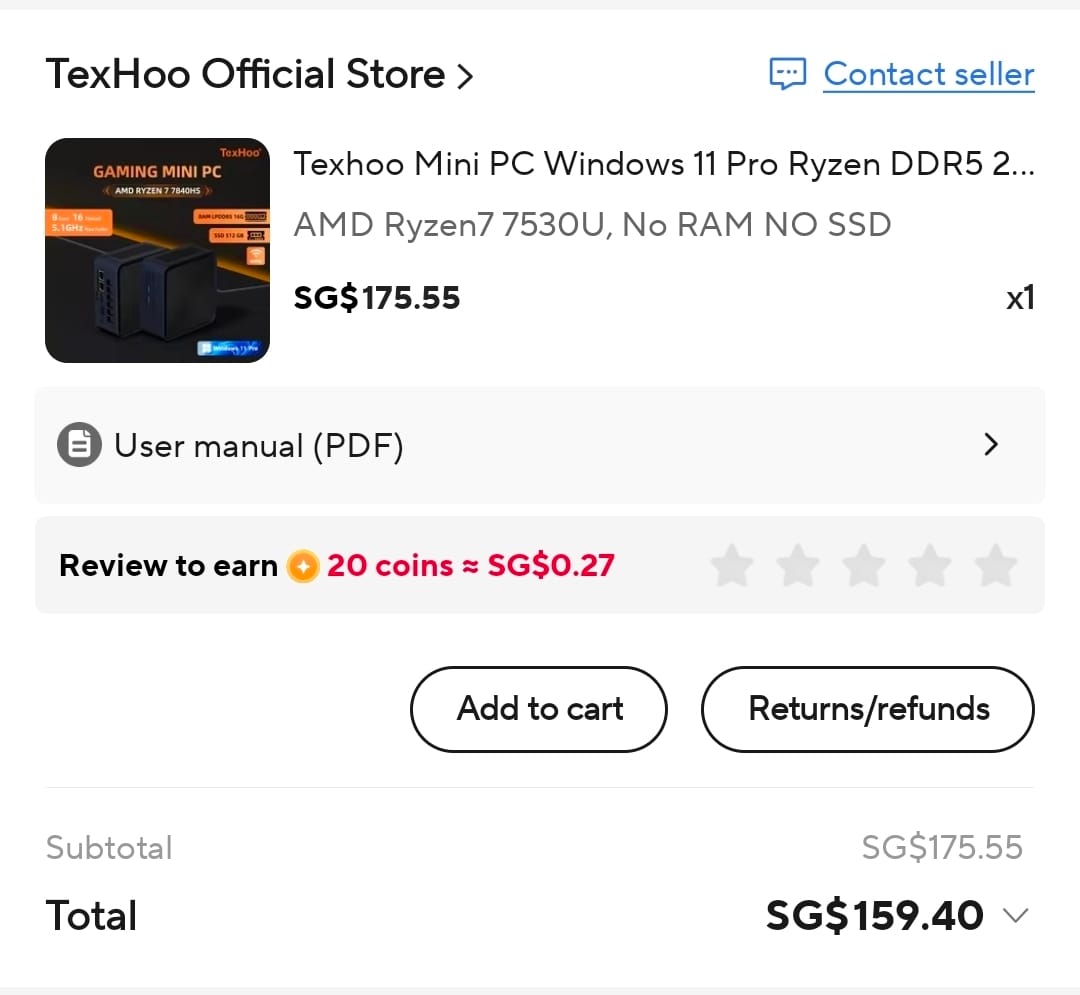
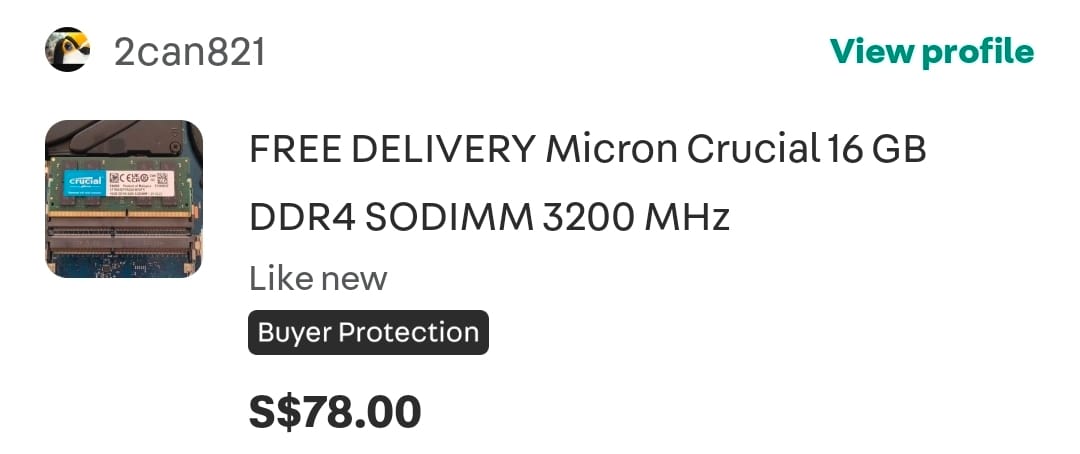
I snagged a ridiculously good deal on AliExpress: $159.40 for a barebones mini PC running a Ryzen 7 7530u (6 cores, 12 threads). I paired that with 16GB of DDR4-3200 SODIMM RAM I found on Carousell for $80, and slapped in an old NVMe M.2 SSD I had lying around. Doing the math, I only needed 17 months of usage to pay it off. Given how much I rely on this setup now, that's an easy win.
The Local Network Headache
Setting up the home server was a bit of a hassle at first. When you're used to the luxury of a cloud VPS with a static IP, migrating to a local network where DHCP hands you a new IP every time the system reboots is just annoying. I immediately missed the seamless SSH access I had before.
To bypass this without messing around with dynamic DNS and router port forwarding, I used Cloudflare Tunnels. I installed Ubuntu Server 26.04, mapped port 22 directly to a subdomain, and layered Cloudflare Access on top for security. It effectively recreates the cloud SSH experience. I can drop into the machine remotely from anywhere, completely ignoring the dynamic local IP issue.
Migration itself was smooth. Backing up and restoring via OpenClaw's CLI is surprisingly straightforward (backup docs). I migrated the data, pointed the subdomain to the home server via Cloudflare, and the networking side was done.
Why LXC Was the Right Architecture
The non-negotiable requirement for this setup: OpenClaw had to run in a strictly isolated environment. If you read my previous post, you know that standard Docker containerization completely sucked for Openclaw. But I also didn't want the overhead of spinning up full VMs on a mini PC. I needed something lightweight but completely isolated.
Linux Containers (LXC) ended up being the perfect middle ground for the infrastructure:
- Near-Native Performance: LXC shares the host kernel, so there's zero hardware emulation overhead. All of the Ryzen 7's compute goes directly to running the autonomous agents.
- True OS-Level Isolation: It runs exactly like a standalone virtual machine, complete with its own init system, networking, and user space, which OpenClaw inherently needs to function.
- Strict Access Control: This was crucial. I mapped specific host directories to the LXC container, giving it exclusive, restricted access. It literally cannot see or control anything outside its designated sandbox.
The setup was fairly quick:
- Initialize LXD on the host:
sudo lxd init - Spin up the container:
lxc launch ubuntu:26.04 openclaw-node - Map the host directories:
lxc config device add ... - Automated backups with
rclone
Conclusion
Migrating off the cloud means taking on more operational overhead, but architecting it this way made it entirely worth it. I prefer building things out properly anyway. Now I have a dedicated, isolated sandbox for OpenClaw. More importantly, I can deploy completely different backend projects on the same host, knowing that if OpenClaw crashes or does something unexpected, the rest of my infrastructure won't even notice.